 Elapsed
day counter for iphone
How long has
it been?
Elapsed counts the days, so you always know. Make a counter for anything, tap when you do it, and the count starts again from zero.
iphone · ios 17+ · free to download
Every counter, its own design.
what it's for
For when you can't remember the last time.
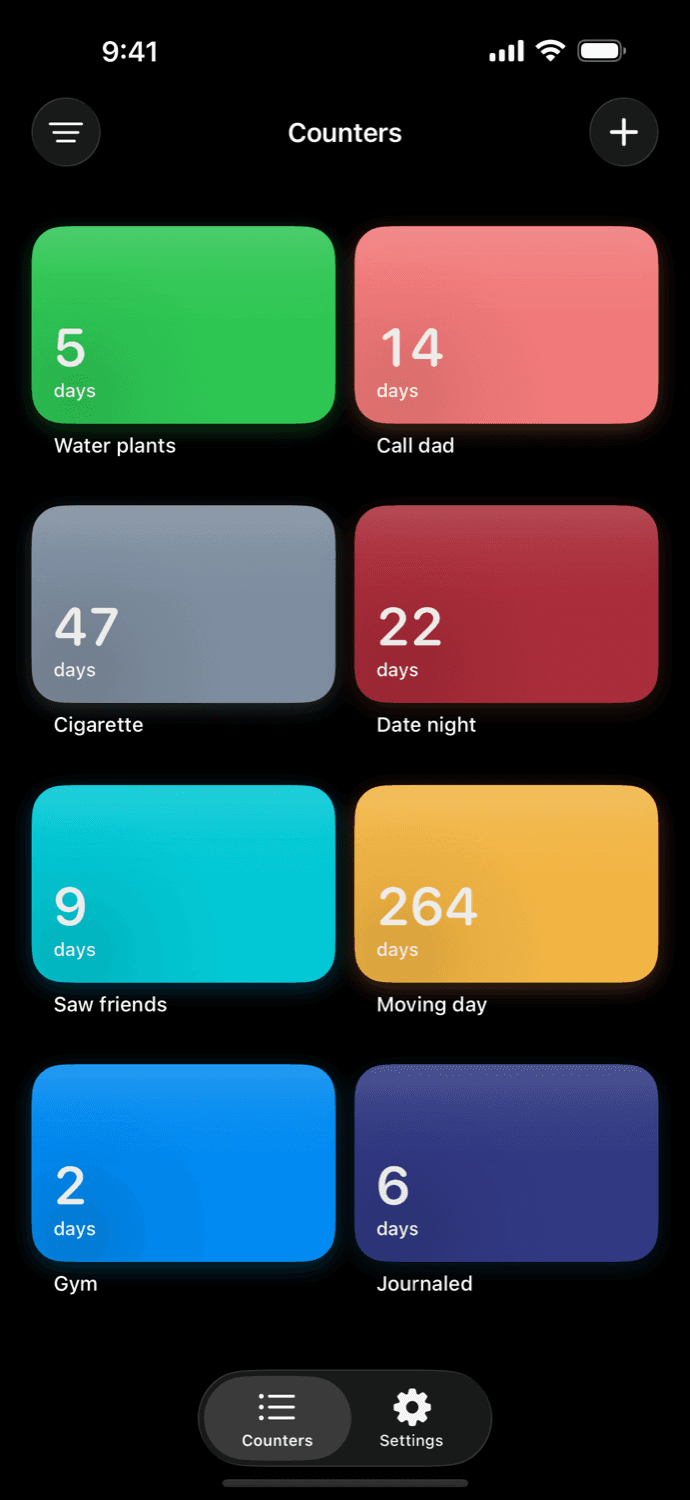
Meds, plants, the people you love, the car, the chores. The recurring things with no fixed schedule, where you just want to know how long it has been.
the library
Designed, not configured.
Pick a design and the counter wears it, each with its own type, color, and texture. The same design carries from the card in the app to the widget on your home screen. Eight to start, with more on the way.
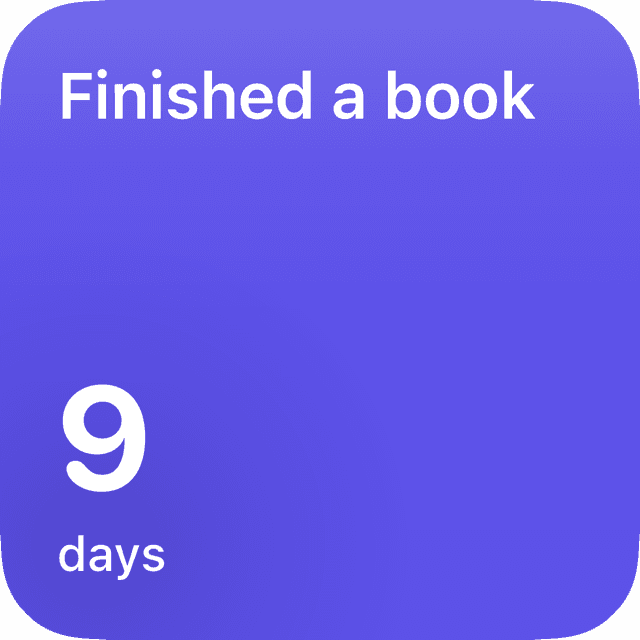
Solid
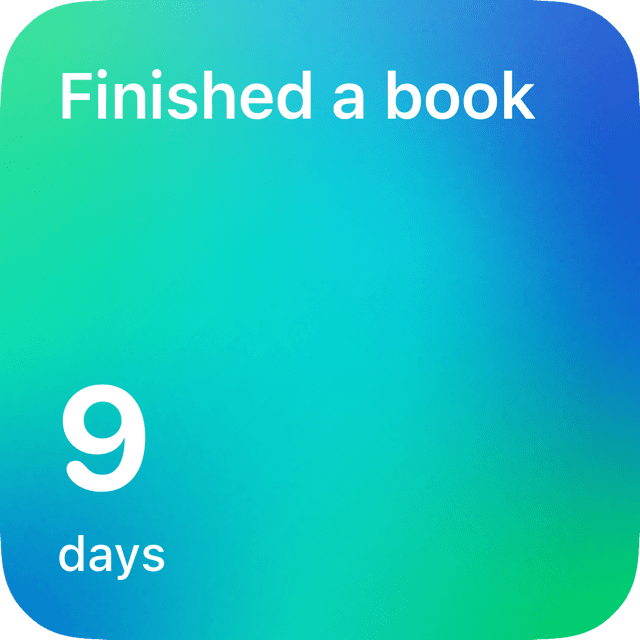
Gradient
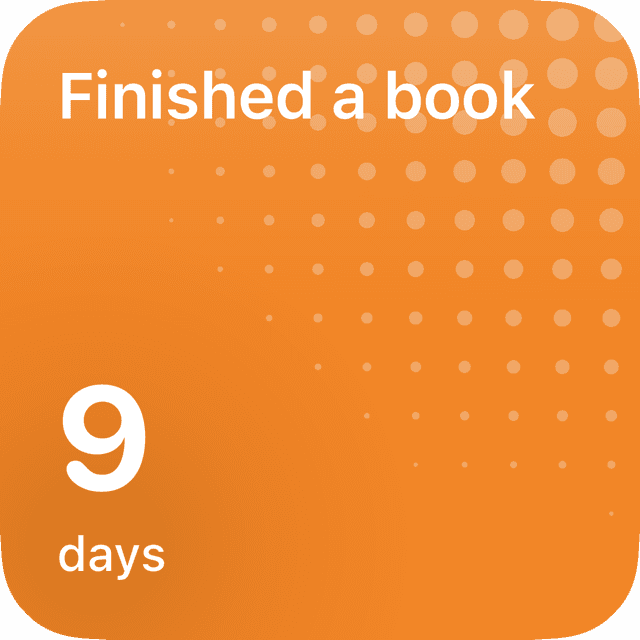
Bloom
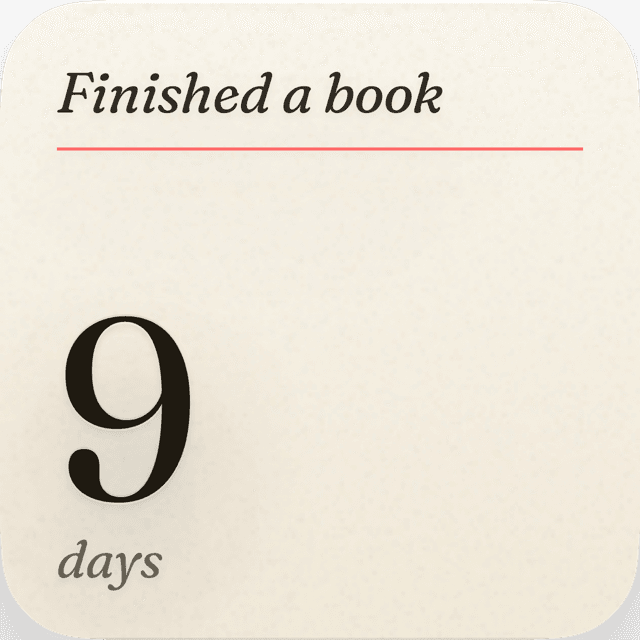
Paper
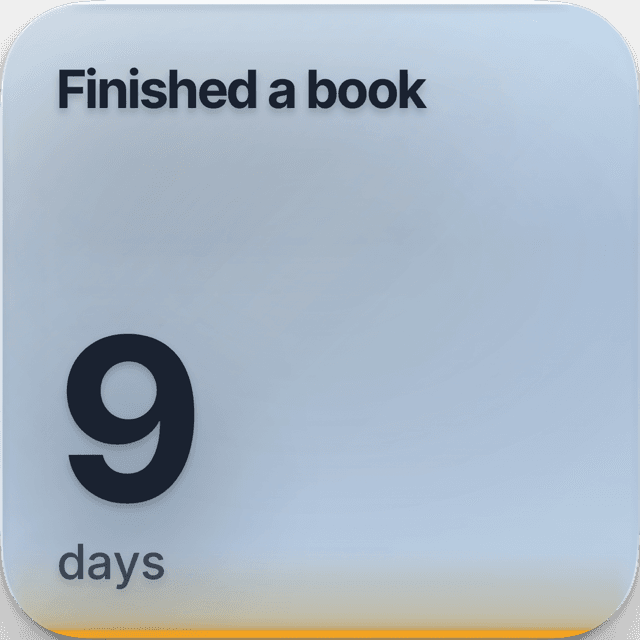
Glass
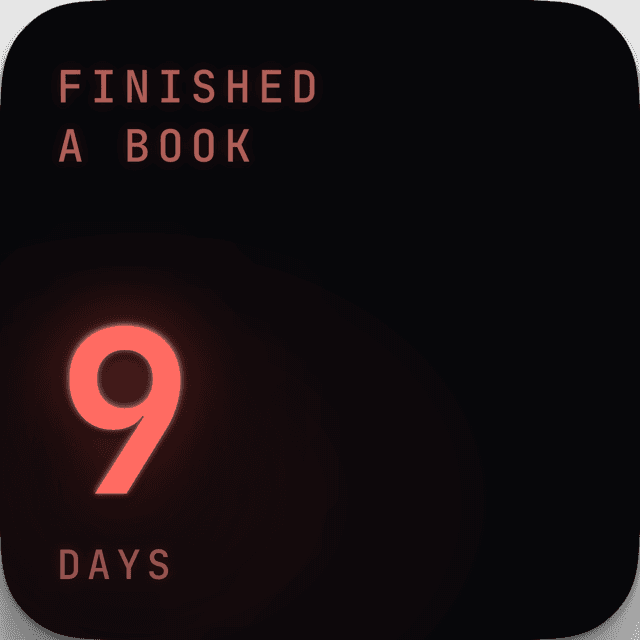
Neon
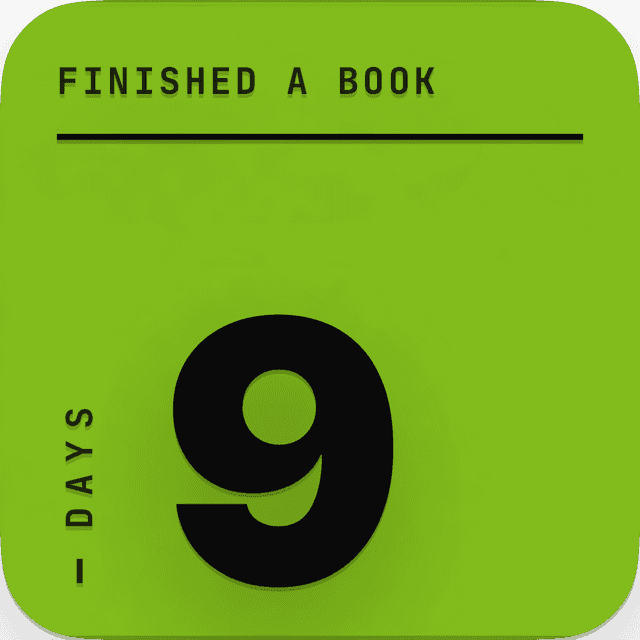
Concrete
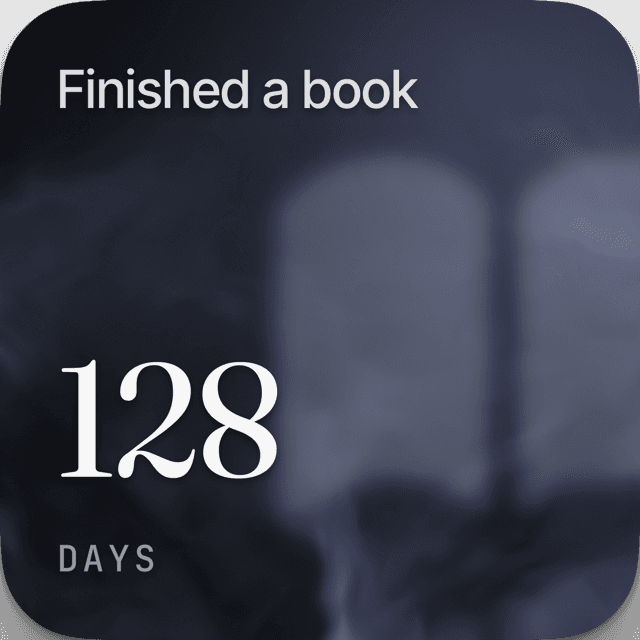
Fog
01/logging
One tap, back to zero.
Tap to log it and the count starts over, right from the home-screen widget without opening the app. The number rolls back to zero and you get on with your day.
02/reminders
Reminders that reschedule themselves.
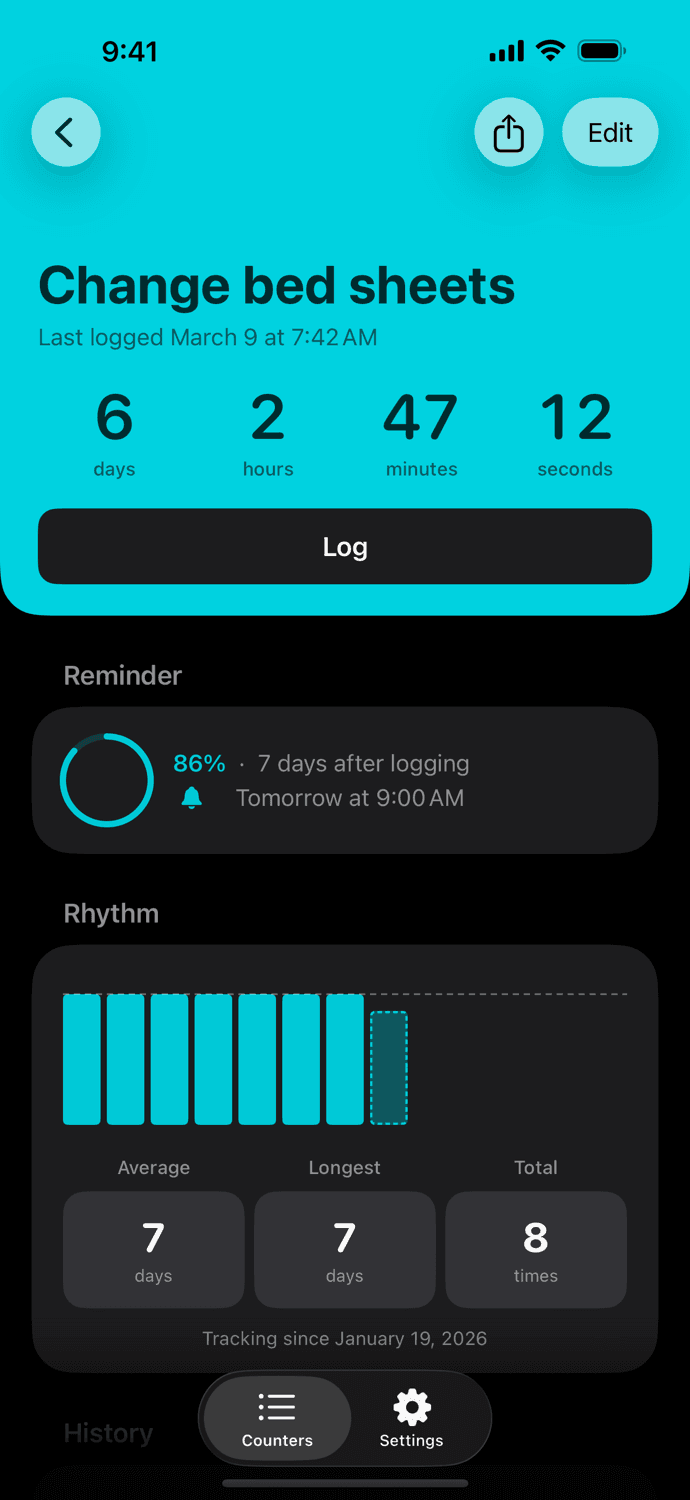
Set a gentle interval and Elapsed nudges you when it has been too long. Every time you log, the reminder quietly resets. Reminders are free, on every counter.
03/rhythm
See how often it really happens.
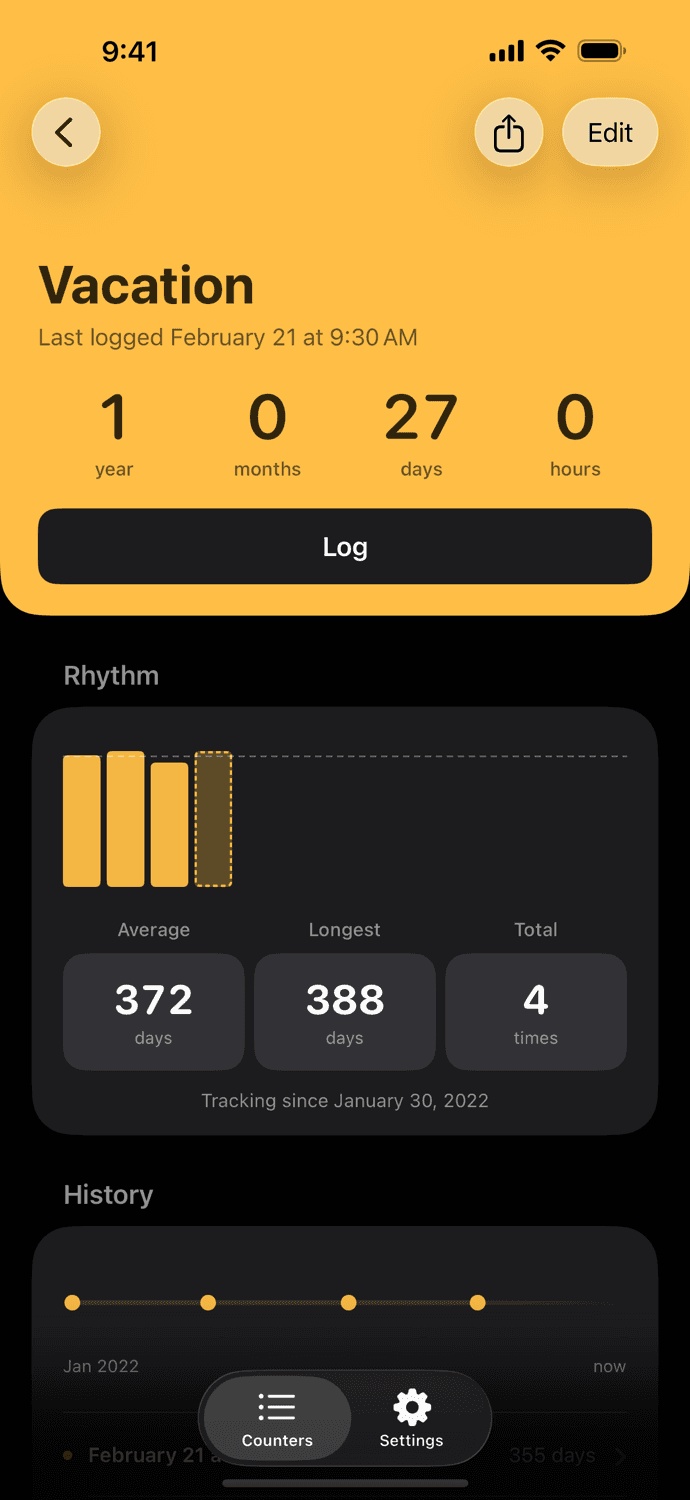
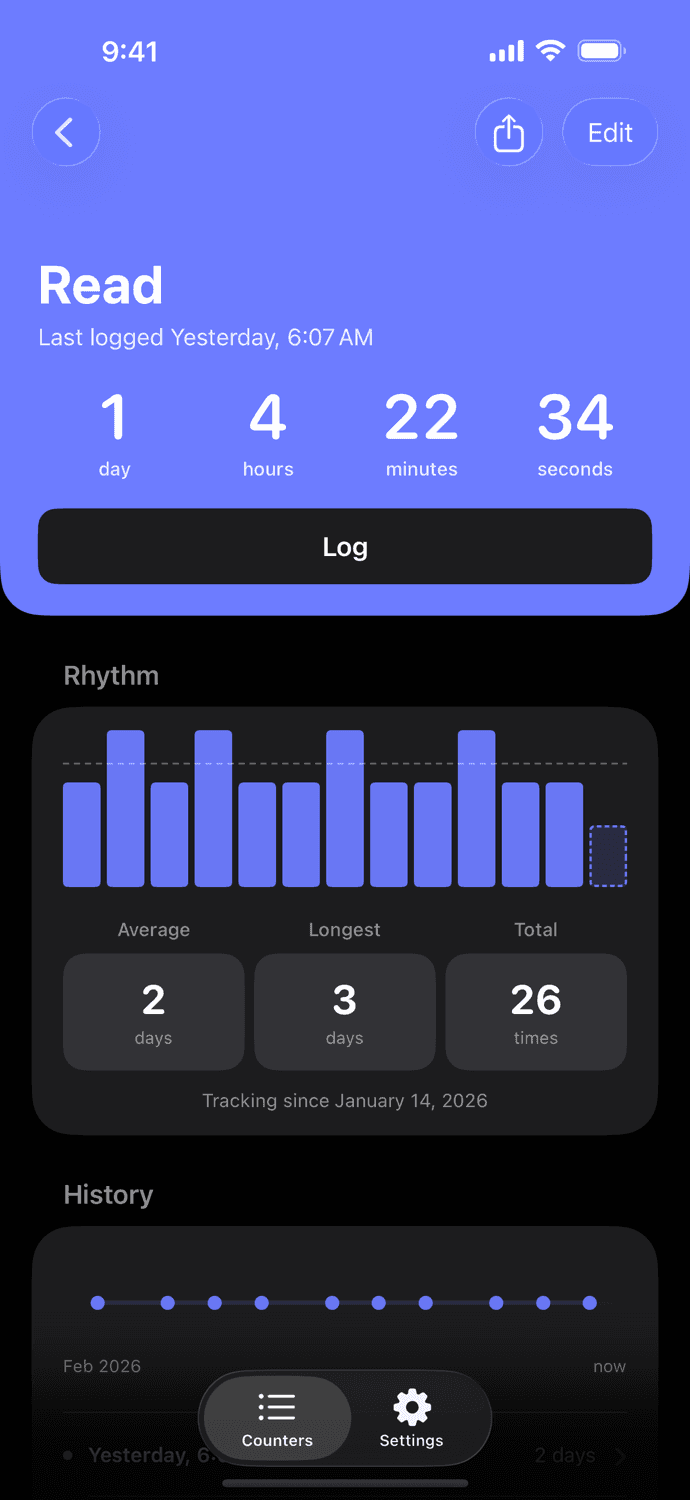
Every counter keeps your average gap, your longest stretch, and a rhythm chart, so the vague sense of how long it has been turns into something you can actually see.
the details
Small things, done right.
Overdue, gently
A calm dot marks what needs attention. No red, no pressure.
Make it yours
Pick from 95+ icons and 24 colors for every counter.
Private by design
Your counters stay on your device. No account, no ads, no cross-app tracking.
Notes on every log
Add a note to any entry. “Took 500mg.” “Front yard only.”
Light, dark, and tones
Light and dark, plus a set of app background tones.
Export anytime
Take your full history with you as CSV, whenever you want.
quiet by design
No streaks. No goals. No guilt.
One gentle nudge when it has been too long, and a calm dot for what needs attention. It never turns red or piles on. Then it gets out of your way.
questions
Good to know.
- Is there an app that tracks the last time I did something?
- That is what Elapsed is: a day counter for the things you do when you remember, not on a schedule. It shows the days since each one as a single big number, so a glance tells you how long it has been.
- What can I track with it?
- Whatever you lose track of. The people you mean to call, see, or write to. The things at home: the filter, the sheets, the deep clean. The habits you are leaving behind: no alcohol, no coffee, no cigarettes. The appointments you put off, and the good things you want more of, like a real day off.
- Does it work from the home screen?
- Yes. A widget shows “Call dad, 14 days” while you are checking the weather. One tap on the widget and the count starts over, so most days you never open the app.
- Will it remind me?
- Add an optional reminder and it reschedules itself every time you log, so it only nudges you when it has genuinely been a while. Anything overdue gets a quiet dot. Reminders are free, on every counter.
- Is it a habit tracker?
- Not the streak kind. There are no streaks to keep up and no guilt for letting something slide, just a calm, honest count of the days that have passed.
- Is it free?
- Yes, free to download and fully usable. Elapsed Plus unlocks the full design library and the background tones for $7.99, a single purchase: pay once, own it forever, and every future addition is included. No subscription, ever.
- Do I need an account? Where is my data?
- No account, no setup. Your counters stay on your device, and nothing is ever sold or shared. You can export your full history as CSV anytime.
- What do I need to use it?
- An iPhone on iOS 17 or later.
Simple pricing, like everything else.
Free to download and fully usable, reminders included. Unlock the full design library and background tones for $7.99 once. No subscription. Yours forever.